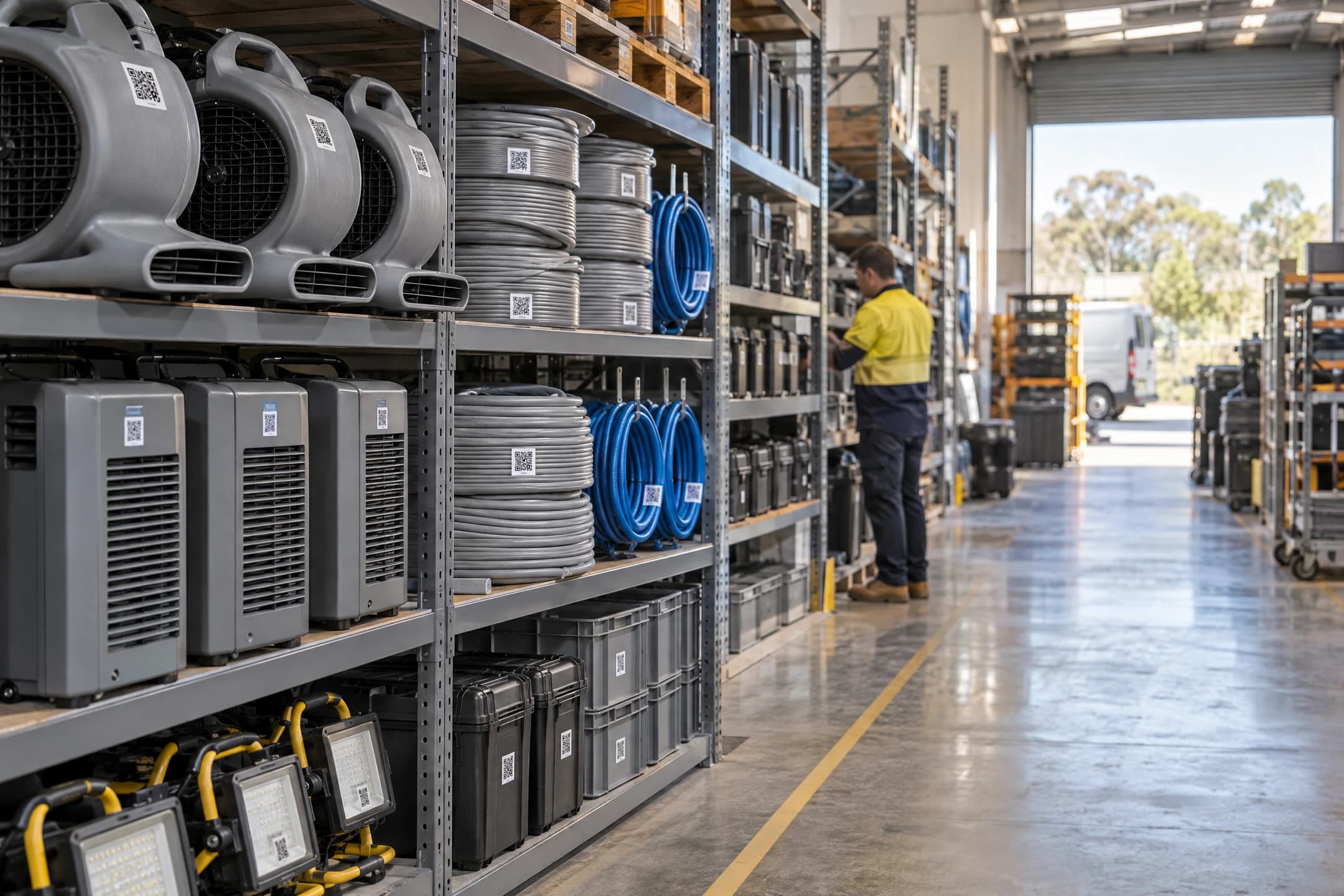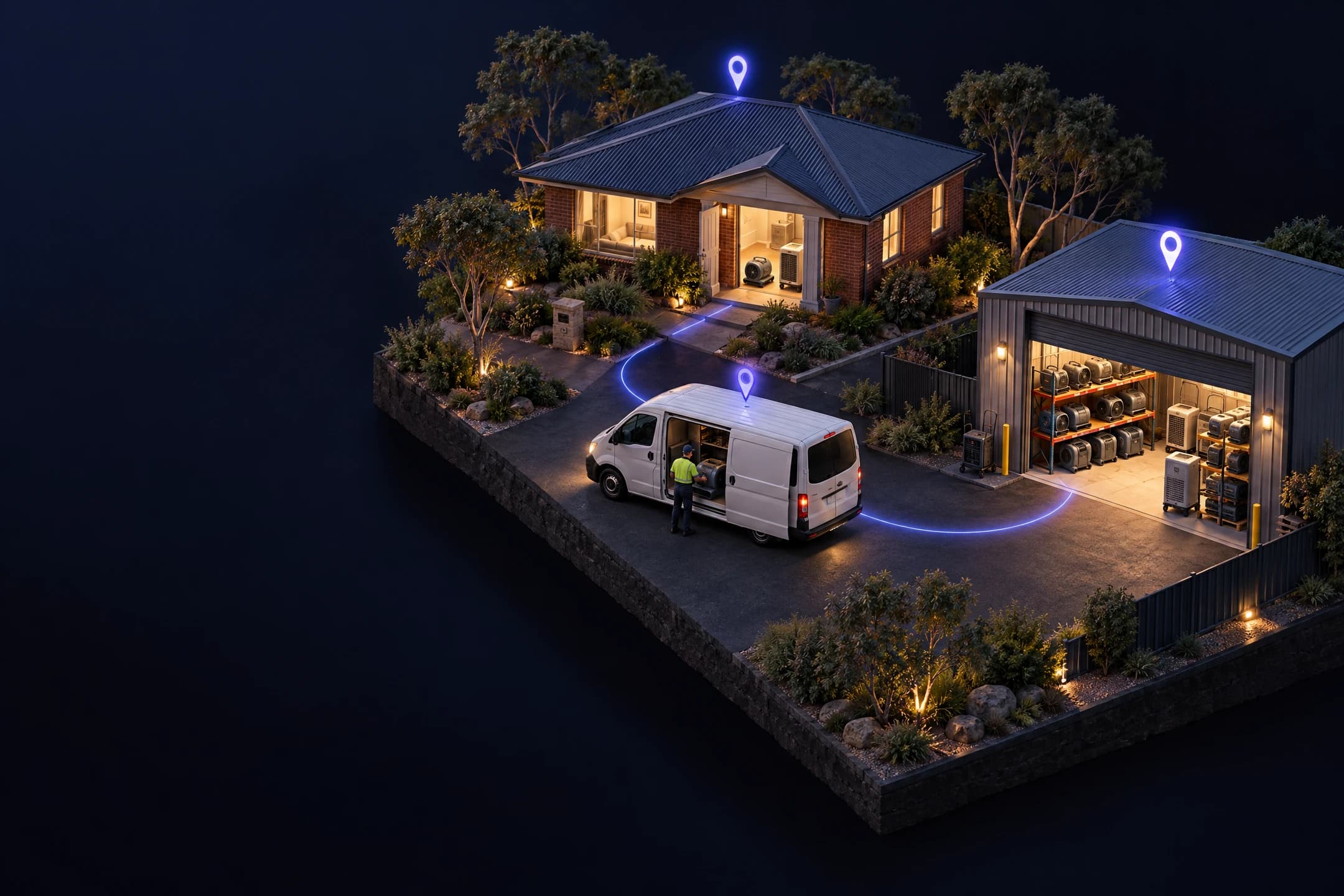
Know where all your gear is, and when it's due for test & tag.
Stick a QR label on every item. Your crew scans it with their phone and picks where it's going: a van, a job or the warehouse. The office sees it all, up to date with every scan.
- 30-day free trial
- No card needed
- Unlimited people
- Hosted in Australia
How it works
A sticker goes on each item once. From then on, whoever moves it scans it, and the office can see where it went.
Step 1: Stick a label on each item
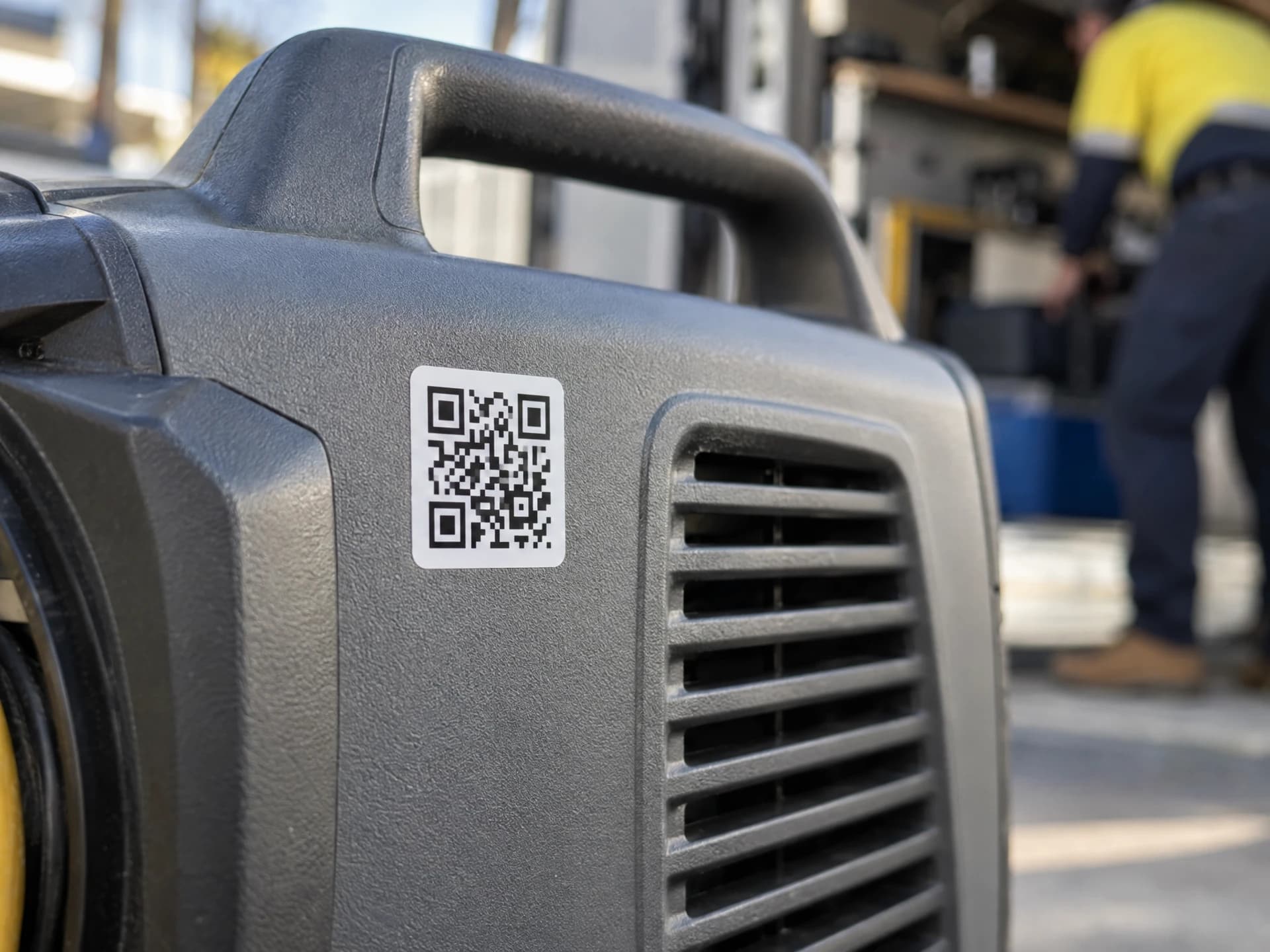
Print QR stickers on A4 sheets or a label printer. Each sticker has its own code, and the code never changes.
Step 2: Scan it when it moves
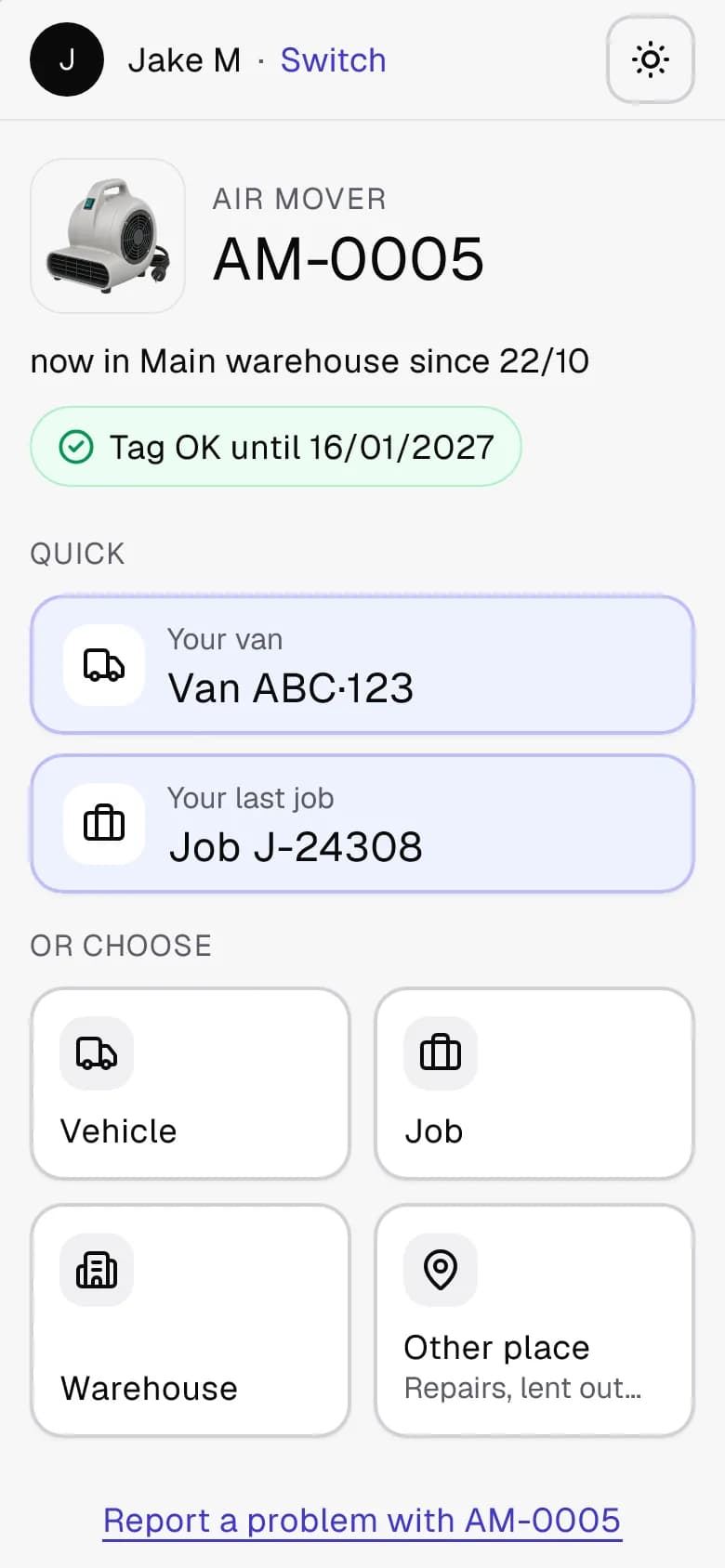
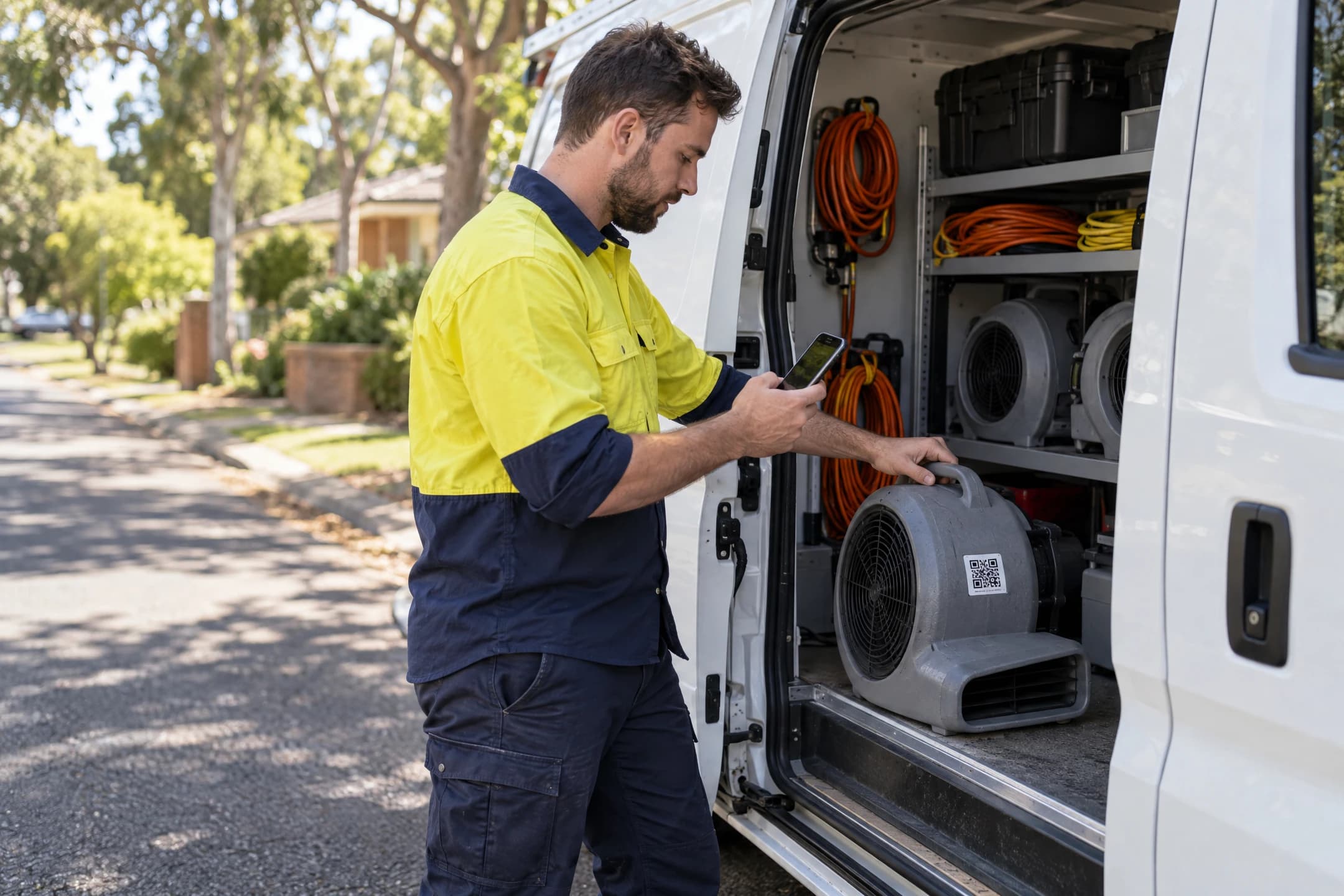
Whoever takes it scans the sticker with their phone's camera and taps where it's going: a van, a job number, the warehouse or a place you set up.
Step 3: See where everything is
The office sees what's in the warehouse, out on jobs and in each van, up to date the moment a sticker is scanned, and what's due for test & tag.

What you get on every plan
Every plan has all of it, for as many staff and phones as you've got.

Where's my gear

Test & tag on time

Phones, no app

Works with no signal
Labels that last
Spreadsheet import

Reports for invoicing

Your own web address
Air movers: Warehouse 115 · Jobs 205 · Vans 20
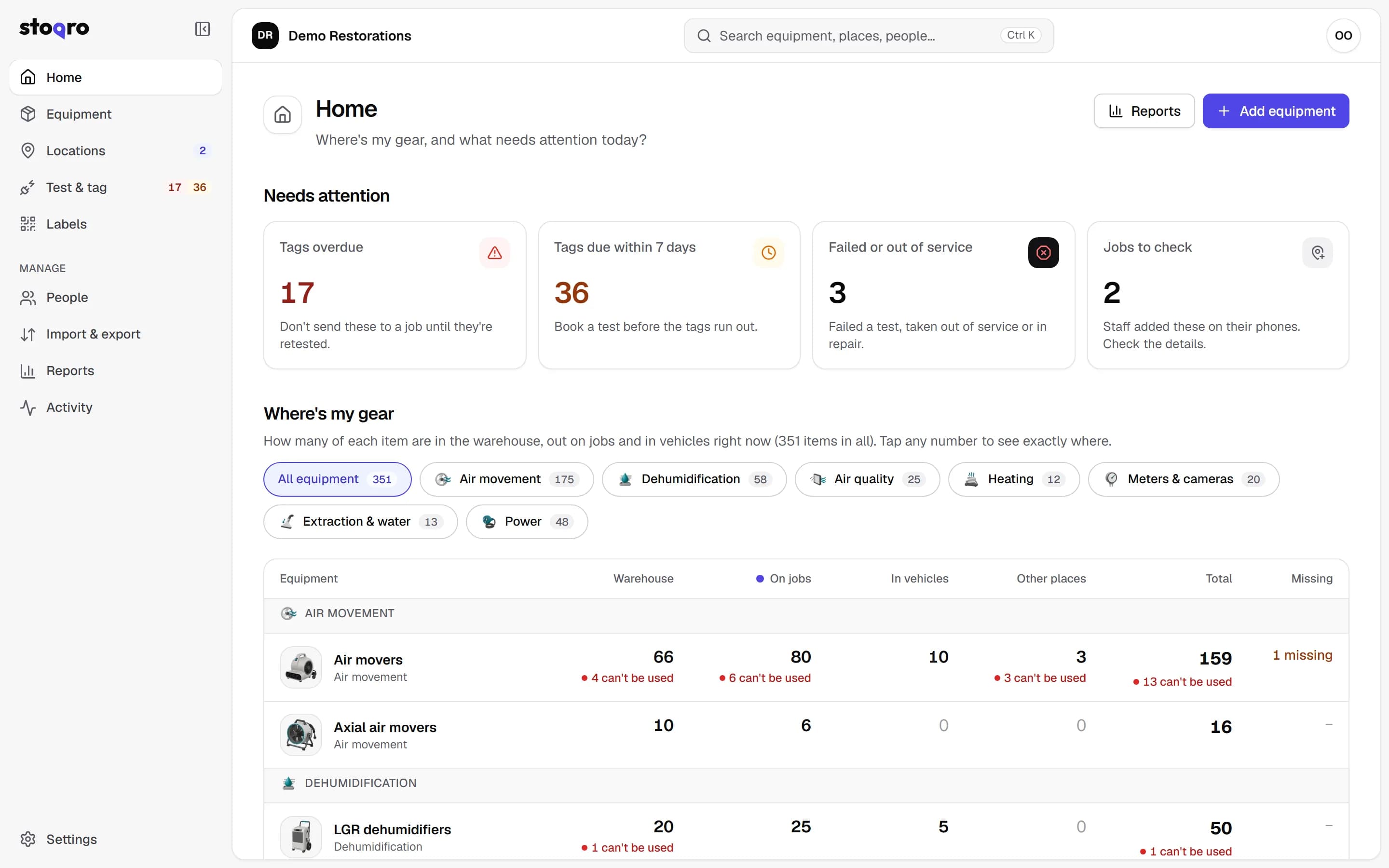
The office asks where the gear is all day. Stoqro answers for every type of item, up to date with every scan, and every number opens the list behind it.
- Counts for the warehouse, jobs, vans and other places always add up to the total.
- A red figure under each number shows what can't be used: failed, overdue or out of service.
- Tap “Jobs 205” to see which jobs, how many on each and for how long.
Where's my gear
Example numbers
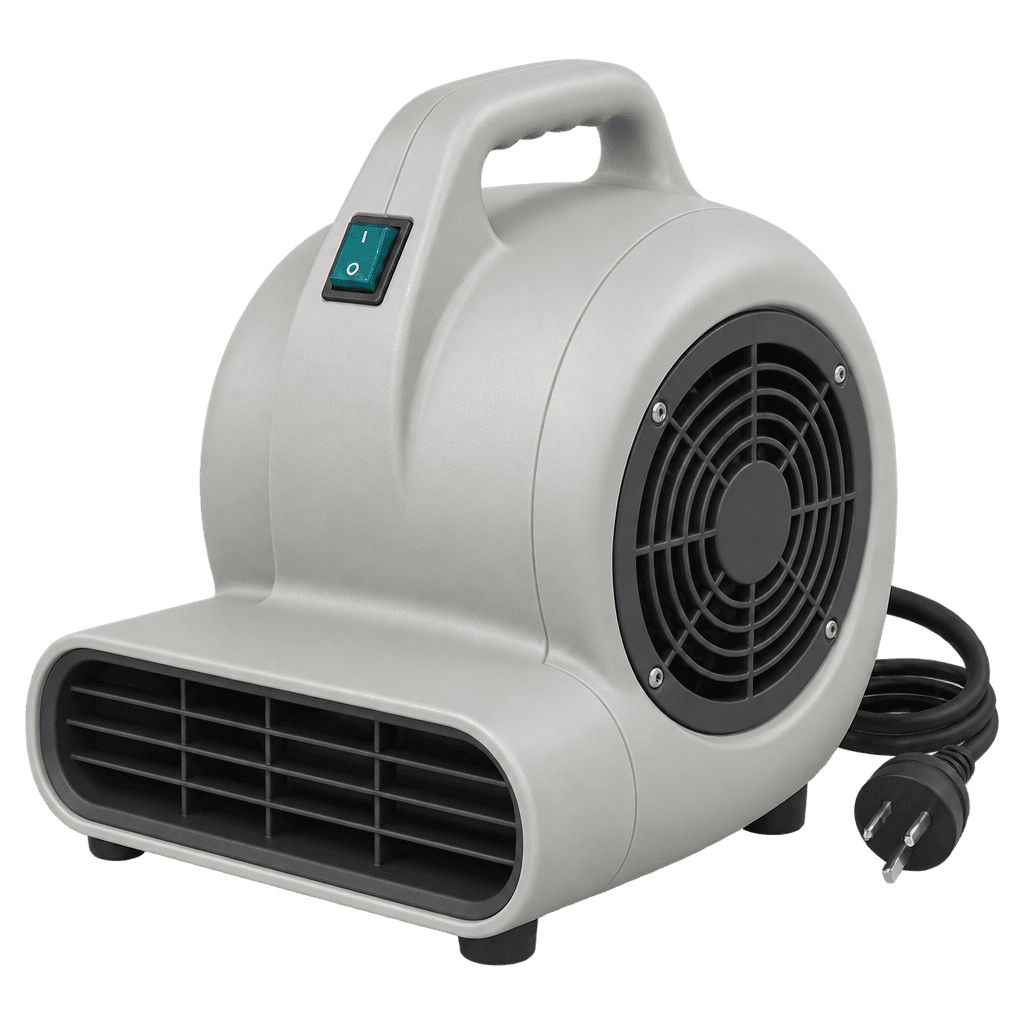 Air movers● 6 can't be used340
Warehouse115Jobs205Vans20
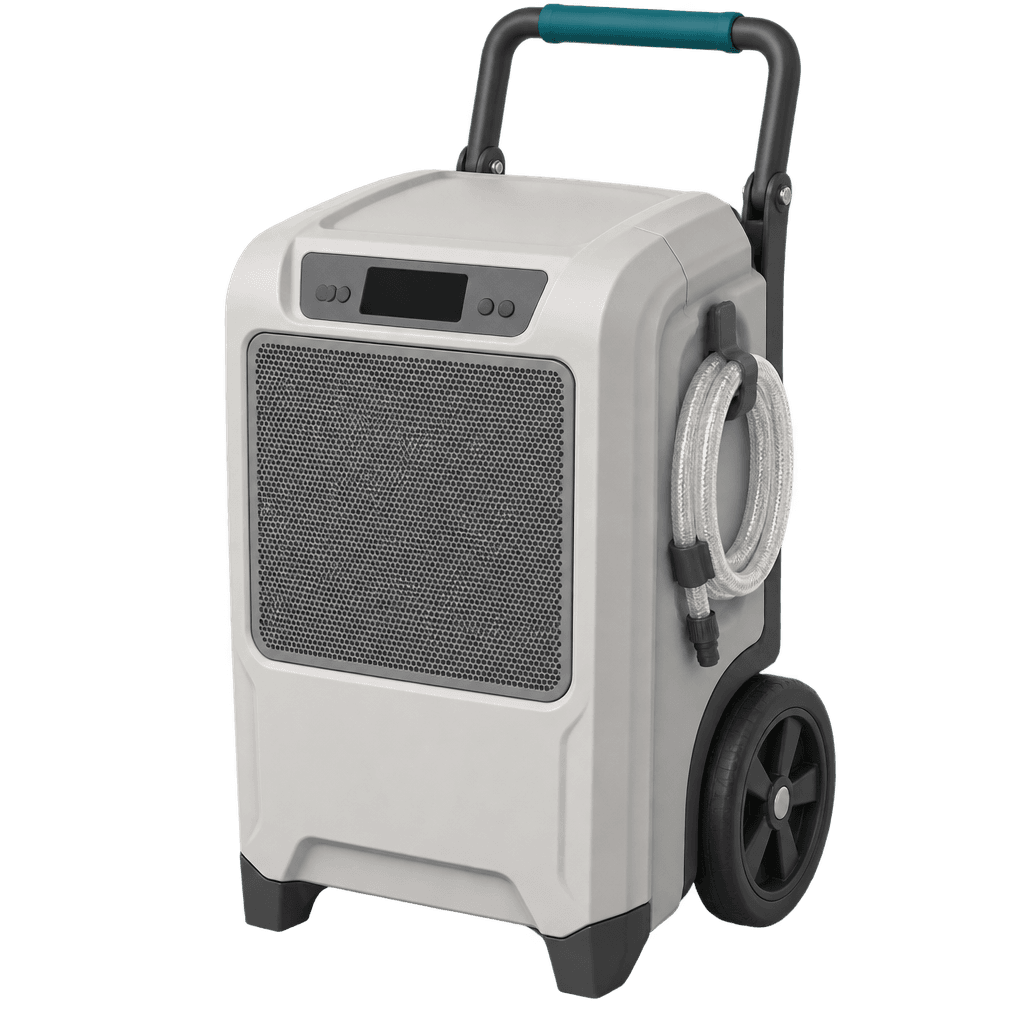 Dehumidifiers● 1 can't be used104
Warehouse38Jobs57Vans9
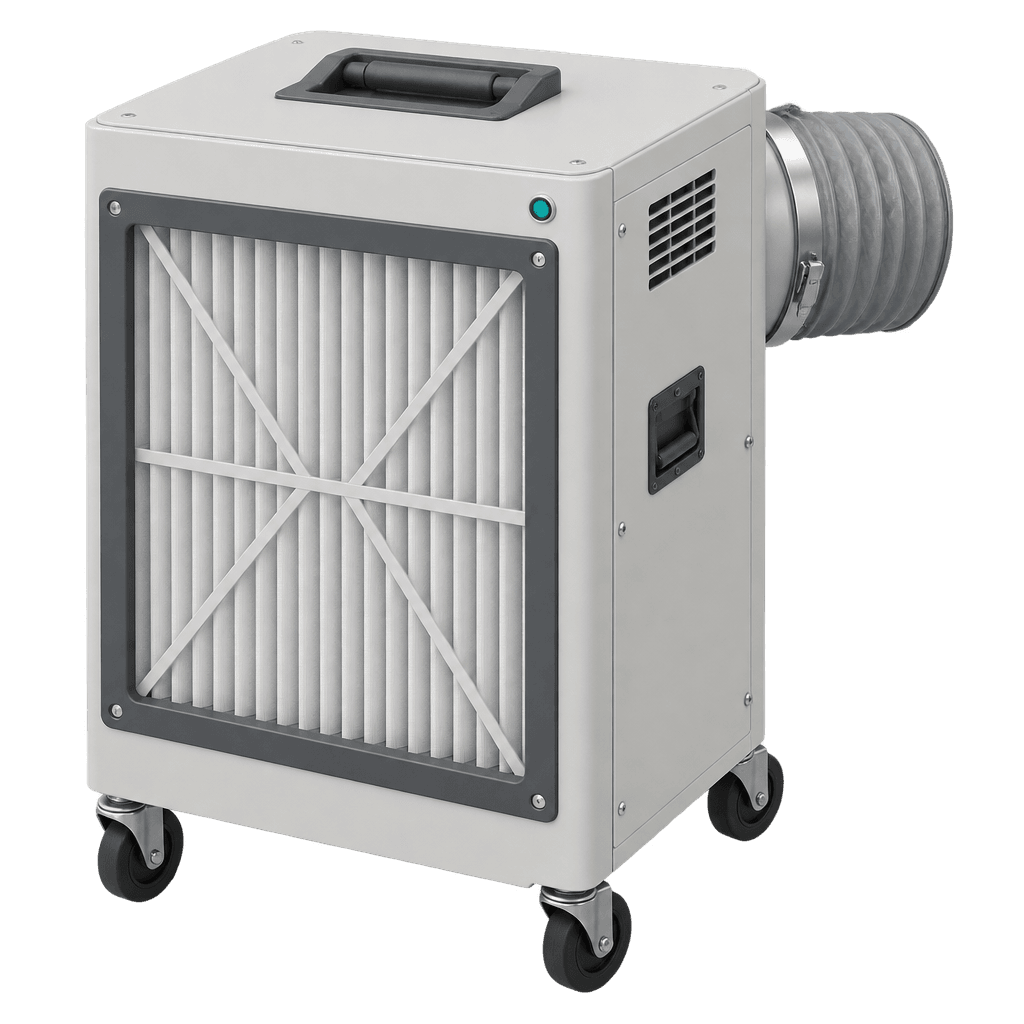 Air scrubbersAll good to go37
Warehouse14Jobs19Vans4
Record a test day for just the items you tagged.
Ten items tested in November? Tick those ten and record the test. The twenty due in December stay exactly as they were.
- Due dates for every item, with the Australian quarterly tag colours.
- An email before tags run out, as far ahead as you choose.
- A warning before overdue gear goes to a job. Failed gear is held back.
- Records test & tag to AS/NZS 3760, with a register you can export.
Due in November · 10 items
- AM-0115Air mover
- DH-0042DehumidifierJob J-24302
- EL-0007Extension leadMain warehouse
- …and 7 more ticked
Due in December · 20 items
- AM-0201Air moverMain warehouse
- AS-0011Air scrubberJob J-24305
Only these 10 change. The 20 due in December are not affected.
Record test for 10 selectedThis quarter's tag colour shows on every staff phone
- RedDec – Feb
- GreenMar – May
- BlueJun – Aug
- YellowSep – NovNow
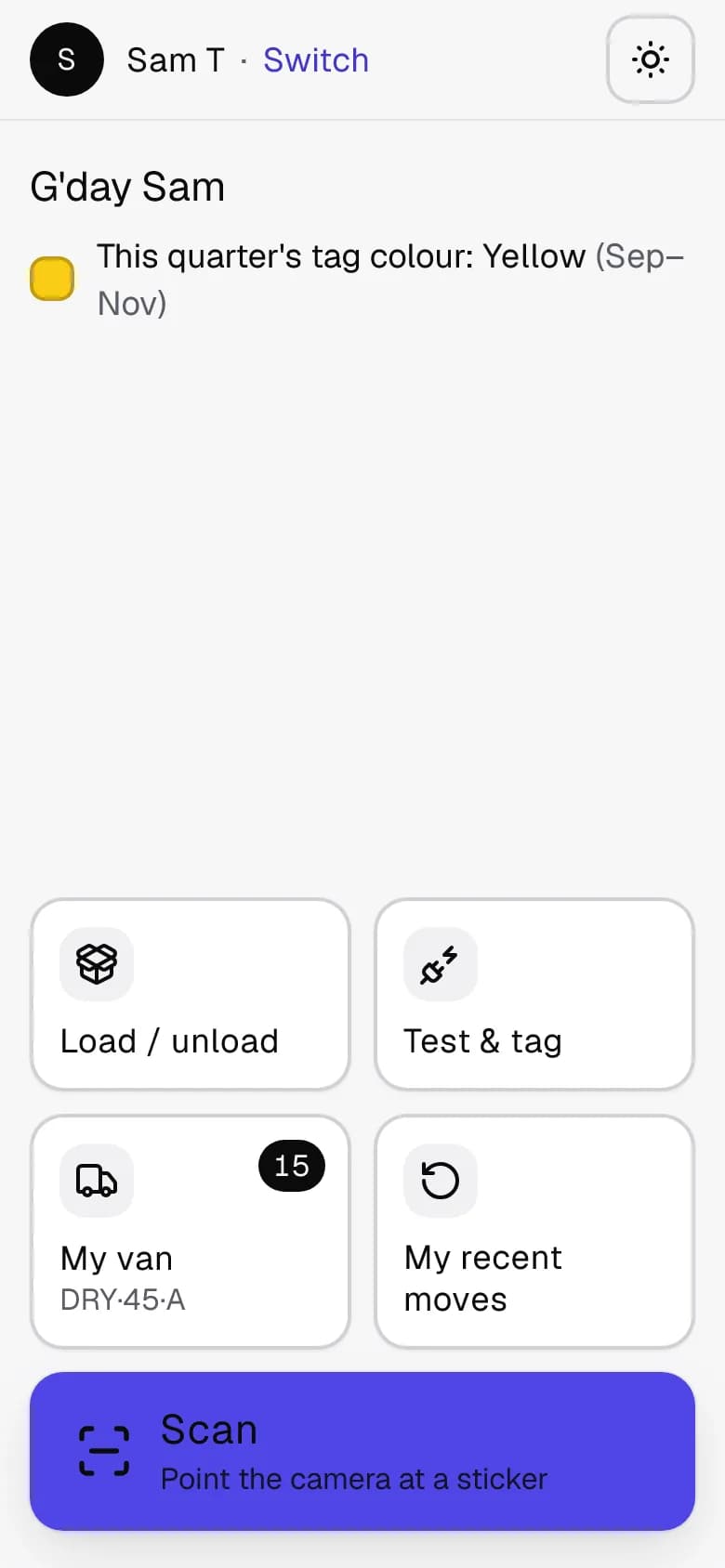
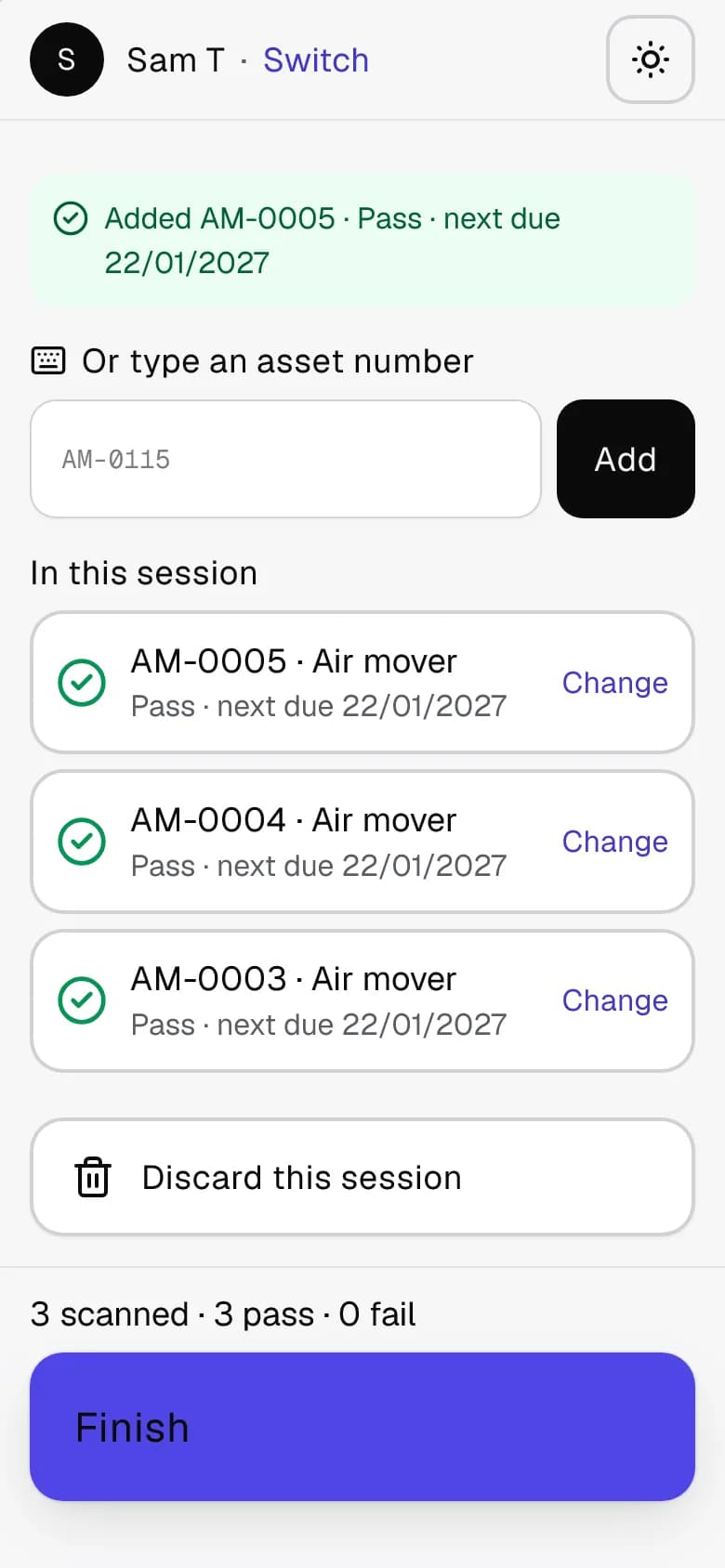
Your crew uses the phones in their pockets.
They point the camera at the sticker and tap where it's going. There's no app to download and nothing new to learn.
- Set a phone up once, from the poster on your warehouse wall, a link or a short code.
- Staff choose their name and a 4-digit PIN. The phone remembers them after that.
- Their own van and their last job are one tap away. Every move has an Undo button.
- No signal? It's saved on the phone and sent when signal comes back.
- A stranger who scans a sticker sees your business name, logo and phone number, what the item is and its asset number, and any message you choose to add. Never where it's been, your jobs, your staff or your test records.
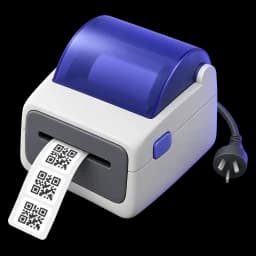
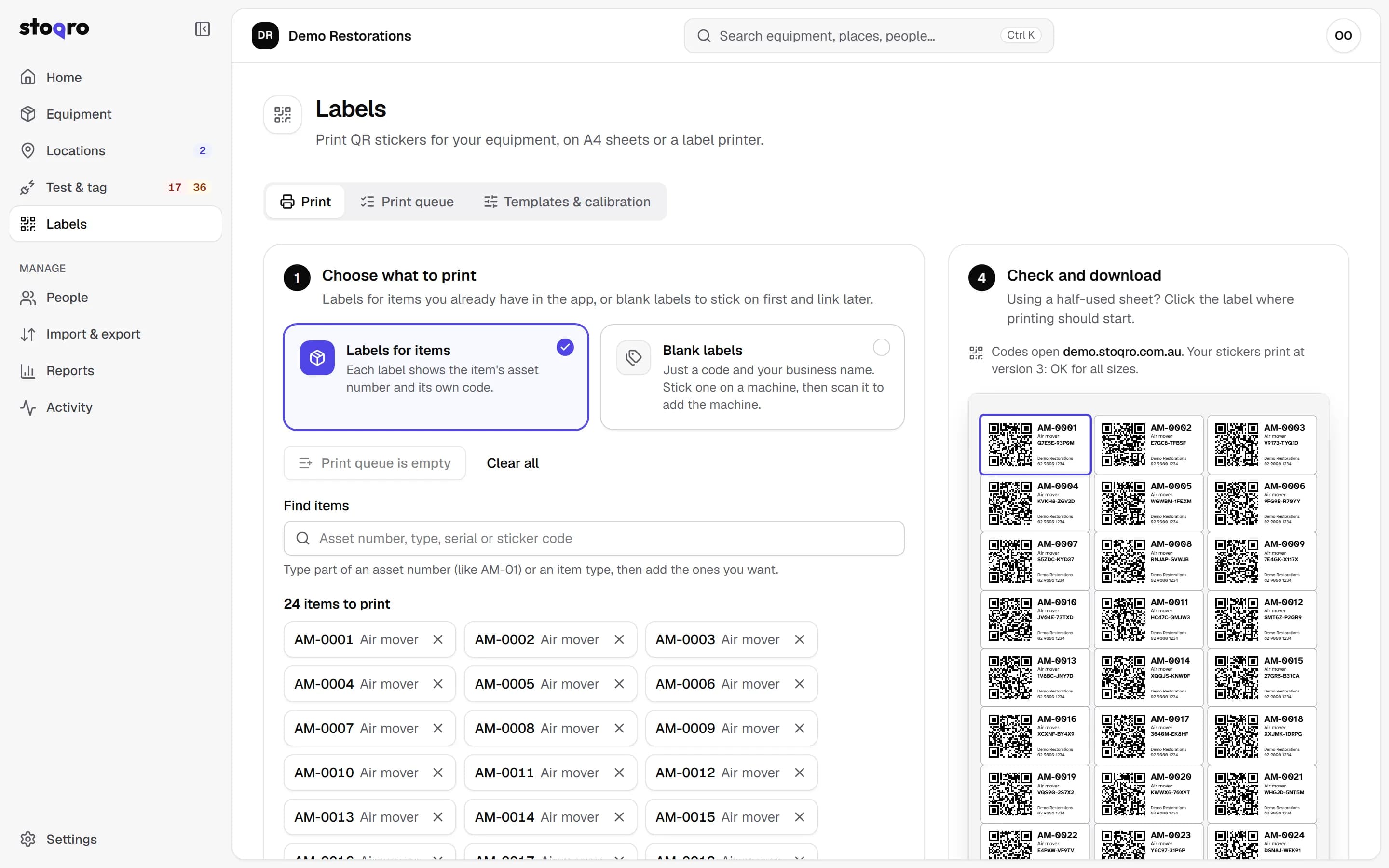
Print the stickers yourself.
Use A4 sticker sheets in the office laser printer, or a Brother, Dymo or Zebra label printer.
- Weatherproof polyester sheets (Avery L4773 and others) and durable label tape.
- Start at any label, so a half-used sheet isn't wasted.
- Print blank stickers to put on first, then scan each one to add the machine.
- Reprint a worn sticker and it keeps the same code.
Any business that sends gear out
Stoqro started with a restoration business's air movers and dehumidifiers. It works the same for anything you own and hire out, lend or take to jobs.
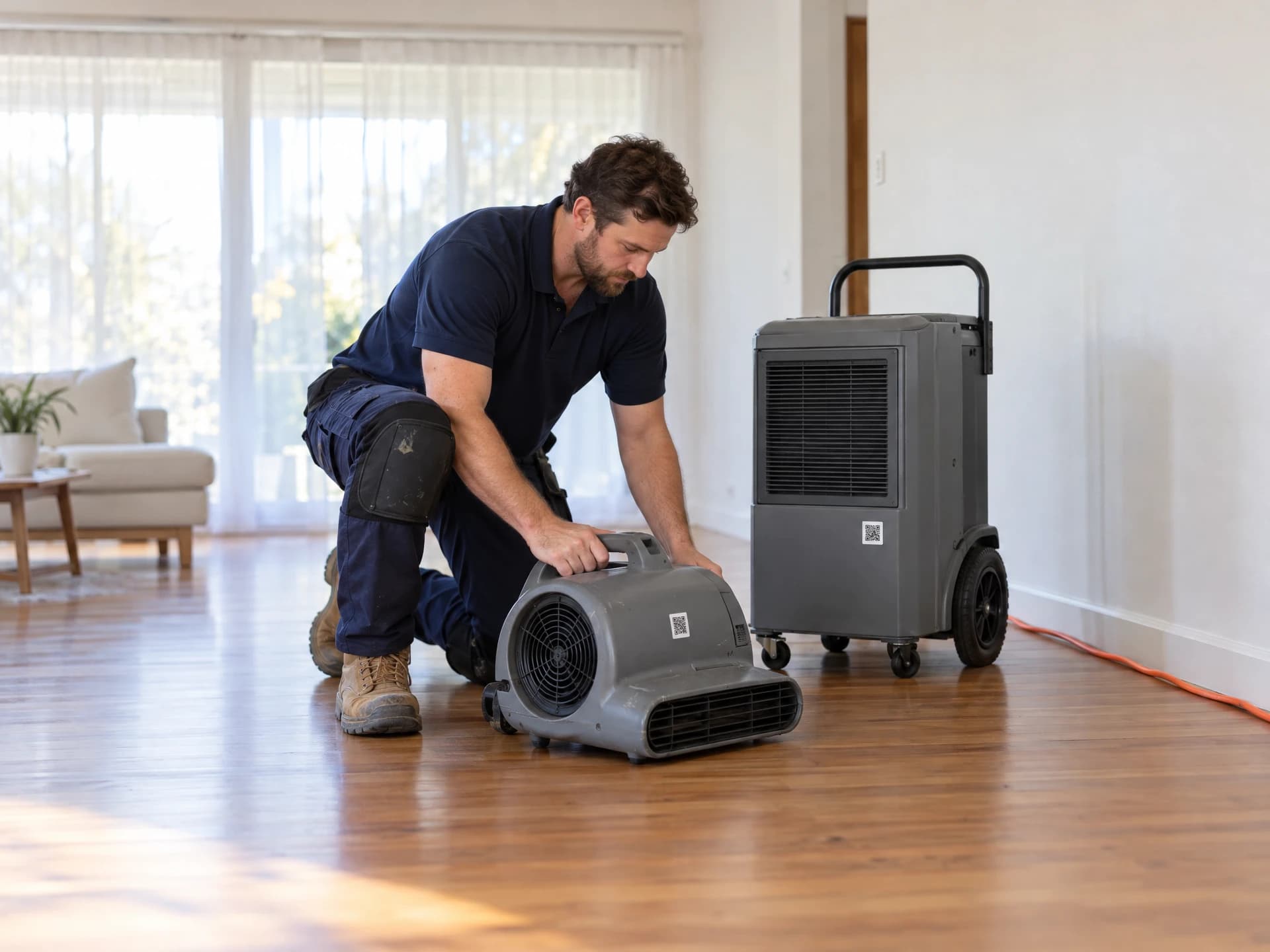
Restoration & cleaning
Air movers, dehumidifiers and scrubbers spread across dozens of wet jobs. Know where each one is, and for how long.
See how it works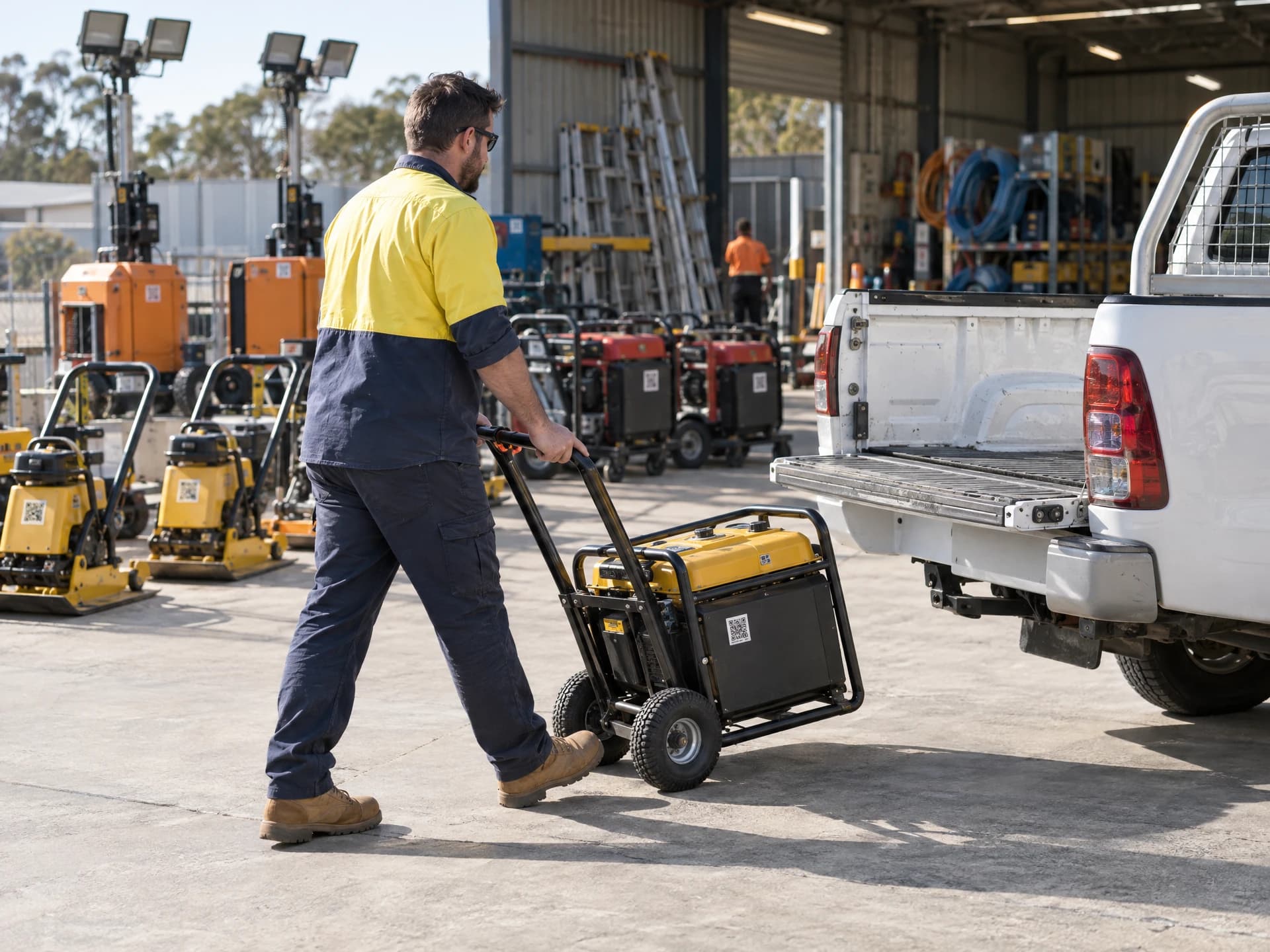
Equipment hire
Know what's out with customers, what's back in the yard and what's due for its next test, without walking the yard.
See how it works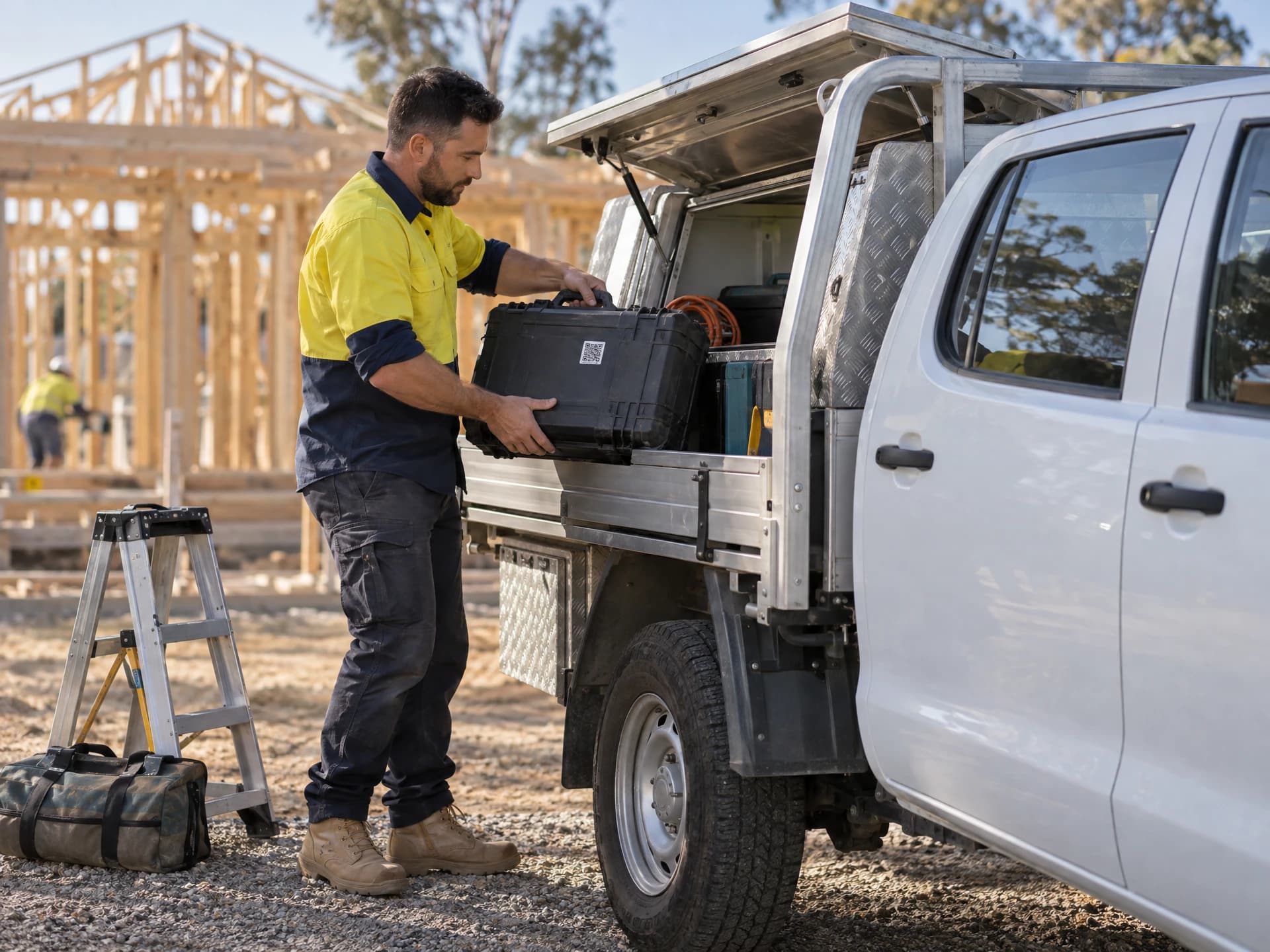
Trades & construction
Power tools, leads and RCDs moving between vans and sites, with test & tag that keeps up with site rules.
See how it works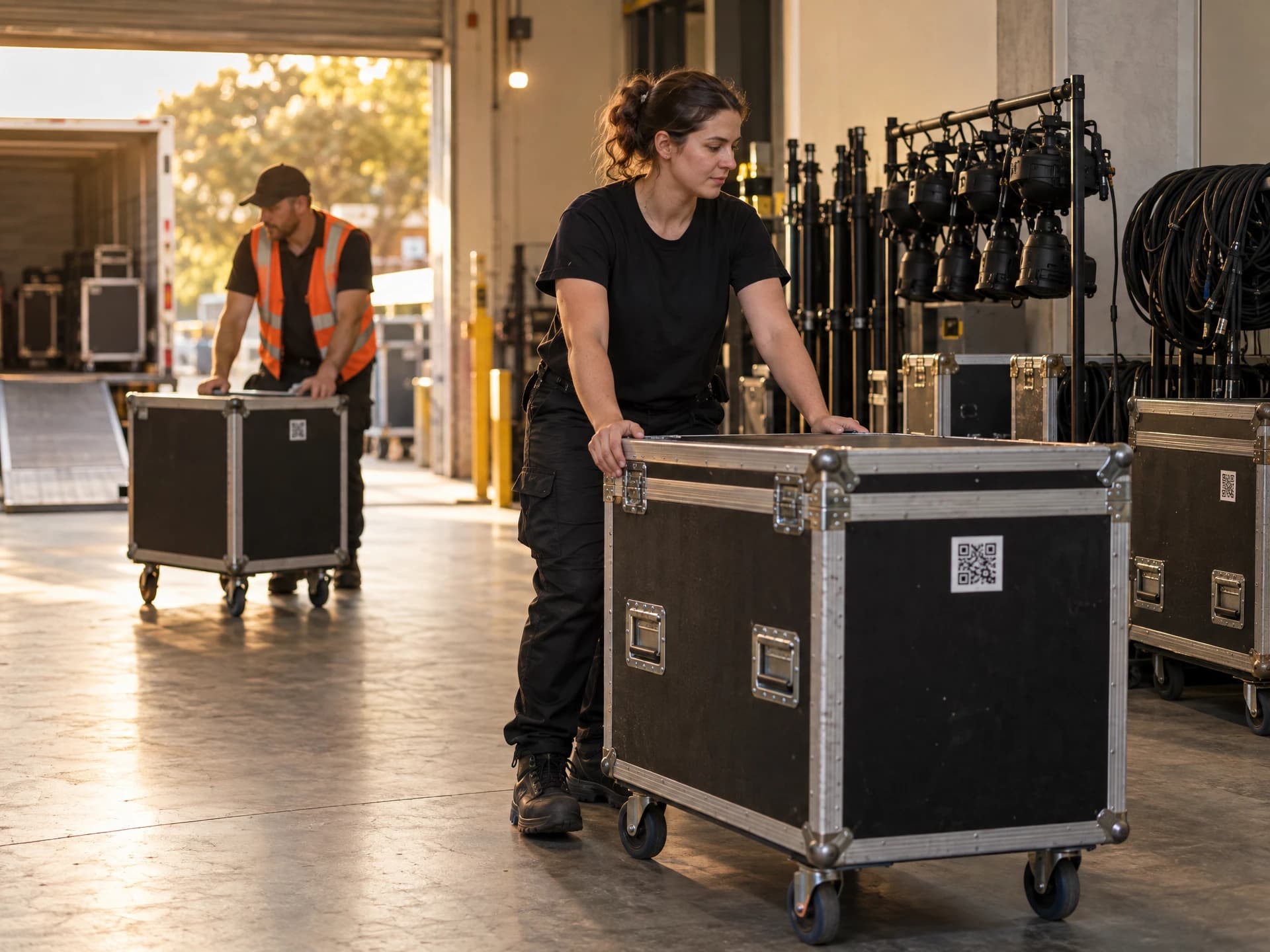
Events & AV
Lighting, audio and power that goes out to a venue and needs to come back. All of it.
See how it works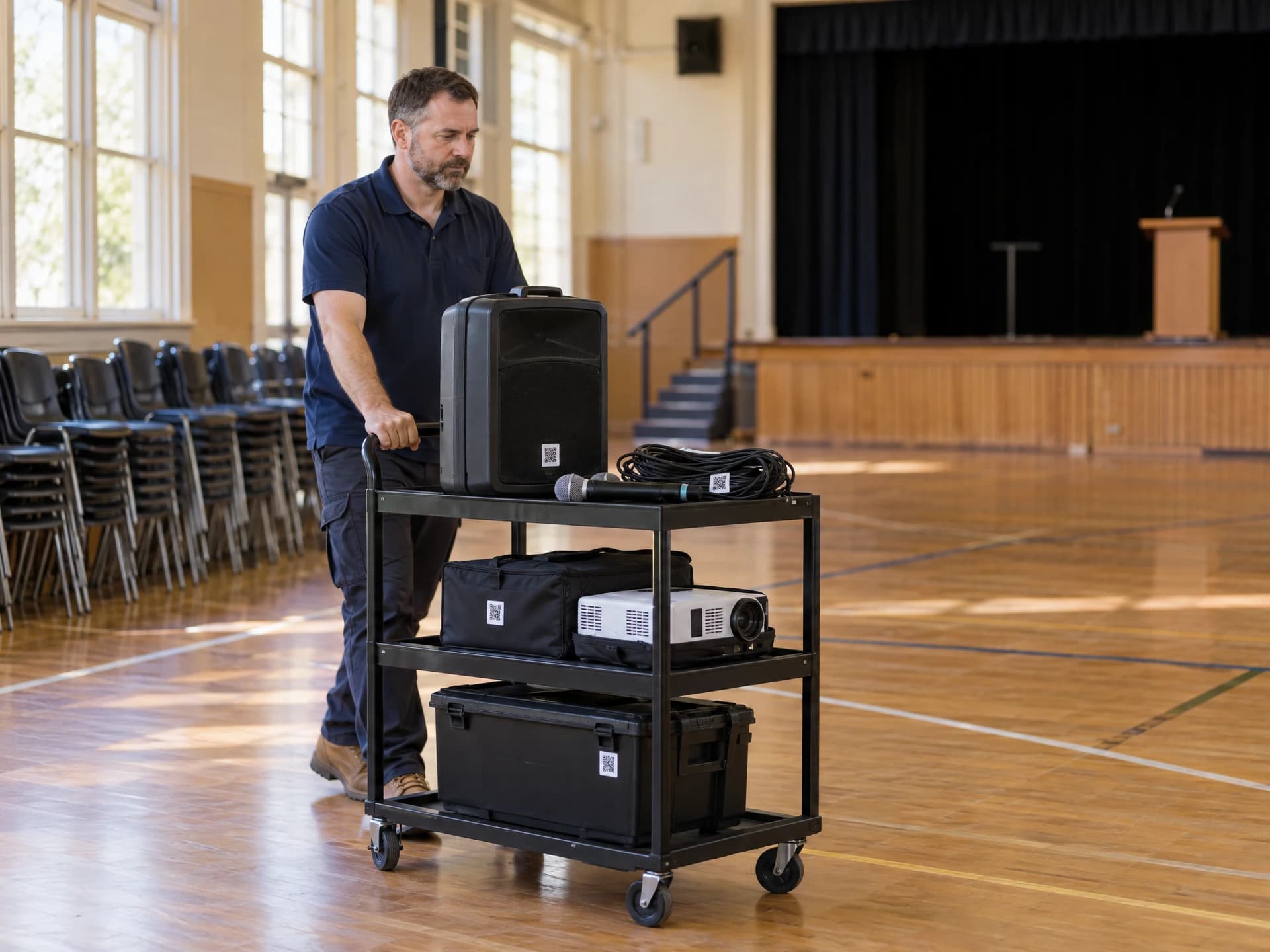
Schools & councils
Shared equipment across rooms, depots and sites, with a test & tag register that's ready when someone asks for it.
See how it works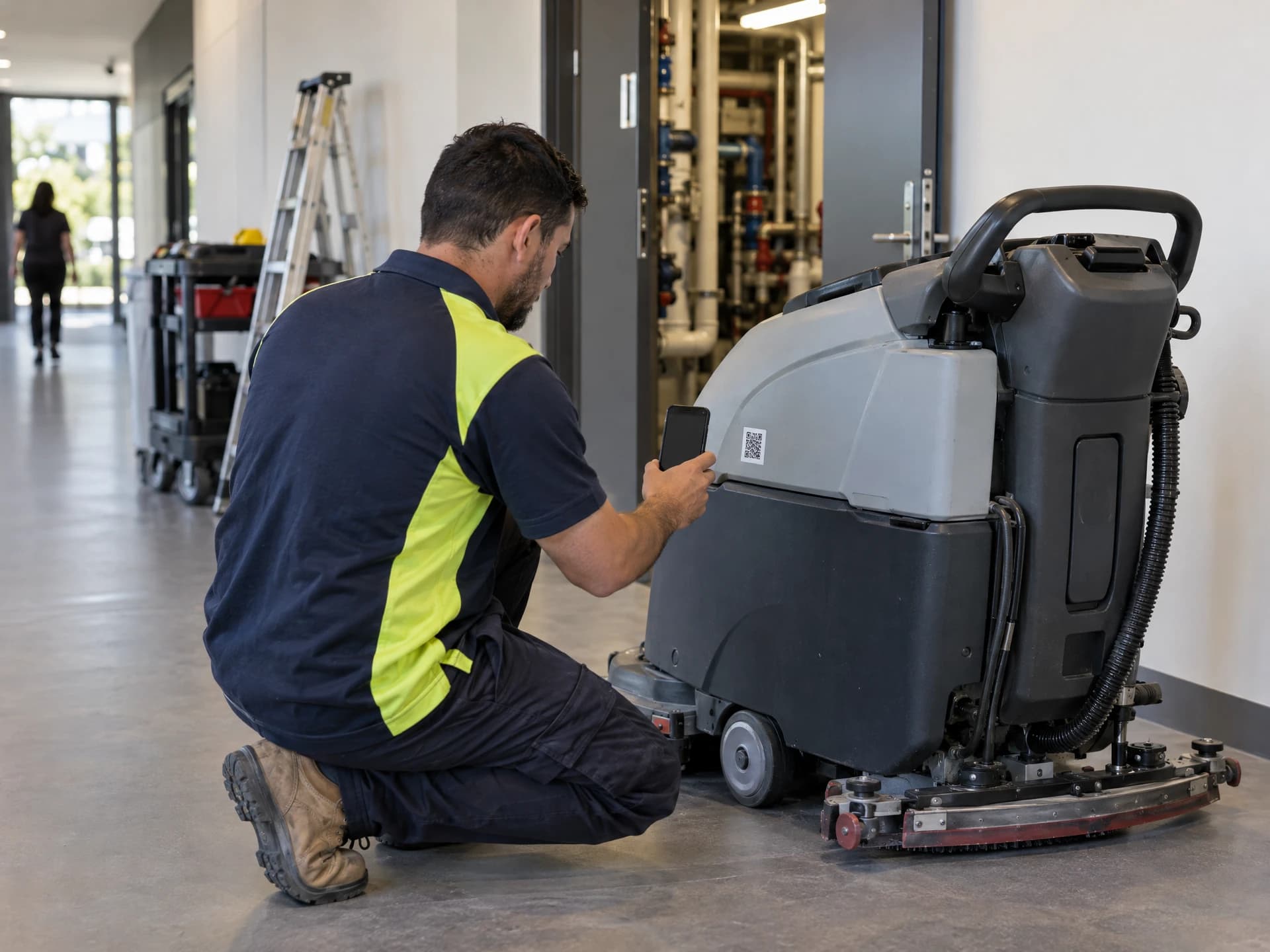
Facilities management
Tools, cleaning gear and appliances across buildings, with due dates you can show any auditor.
See how it works
 Restoration & cleaning
 Equipment hire
 Trades & construction
 Events & AV
 Schools & councils
 Facilities management
How your records are looked after
Stoqro is run from Australia, for Australian businesses.
Hosted in Australia

Sealed off from others

Two-step sign-in

Your data is yours
Priced by how much gear you track
Office logins, field staff and phones are unlimited on every plan.
Starter
A$29.95
a month · up to 20 items
Team
A$49.95
a month · up to 50 items
Business
A$99.95
a month · up to 200 items
Plus
Ask us
more than 200 items
Start with a 30-day free trial for up to 200 items. No card needed. Prices include GST.
Common questions
Can't see yours? Browse the help page or ask us.
Do my staff need to install an app?
No. Staff scan a sticker with their phone's normal camera and it opens in the browser. The first time, they set the phone up from a poster in your warehouse, a link you send them or a short code, then choose a 4-digit PIN. After that the phone remembers them.
What happens when there's no phone signal?
Moves are saved on the phone straight away and sent when signal comes back. The phone shows what's still waiting to send, so nothing gets lost in a basement or out bush.
What does a stranger see if they scan a sticker?
They see your business name, logo and phone number, what the item is and its asset number, and any message you choose to add, so they can call you if they find it. They never see where it's been, your jobs, your staff or your test records. You can switch that page off too, and then a scan shows nothing about your business.
What does Stoqro do for AS/NZS 3760?
Stoqro records your test & tag to AS/NZS 3760 and helps you stay on top of it: due dates, reminders, warnings before overdue gear goes out, and a register you can export. The testing itself is still done by a competent person, and keeping your workplace safe stays your responsibility.
How test & tag works in StoqroWhat do I need to print the stickers?
An office laser printer and A4 sticker sheets (weatherproof polyester sheets last best), or a label printer such as a Brother P-touch, Dymo LabelWriter or Zebra. Stoqro makes a PDF at exactly the right size.
Choosing QR stickers that lastCan I bring in my existing spreadsheet?
Yes. Upload a CSV or Excel file, match its columns to Stoqro's, check the preview, and import. Dates are read strictly as dd/mm/yyyy, so 03/04 never turns into March 4. You can undo an import for 7 days.
Do you charge per person?
No. Office logins, field staff and phones are unlimited on every plan. You only pay for how many items you track.
Where is my data kept?
Stoqro is hosted in Australia. Each business's records are sealed off from every other business's in the database itself.
How we keep your data safeGive it a go with your own gear.
Sign up, print a sheet of stickers and scan your first machine. It's free for 30 days with up to 200 items, and there's no card to enter.
Rather have us show you around? Book a walk-through