Labels that survive the job: choosing QR stickers
Which label stock lasts on gear that gets wet, dusty and knocked about, how big the code should be, where to stick it, and how to print it straight.
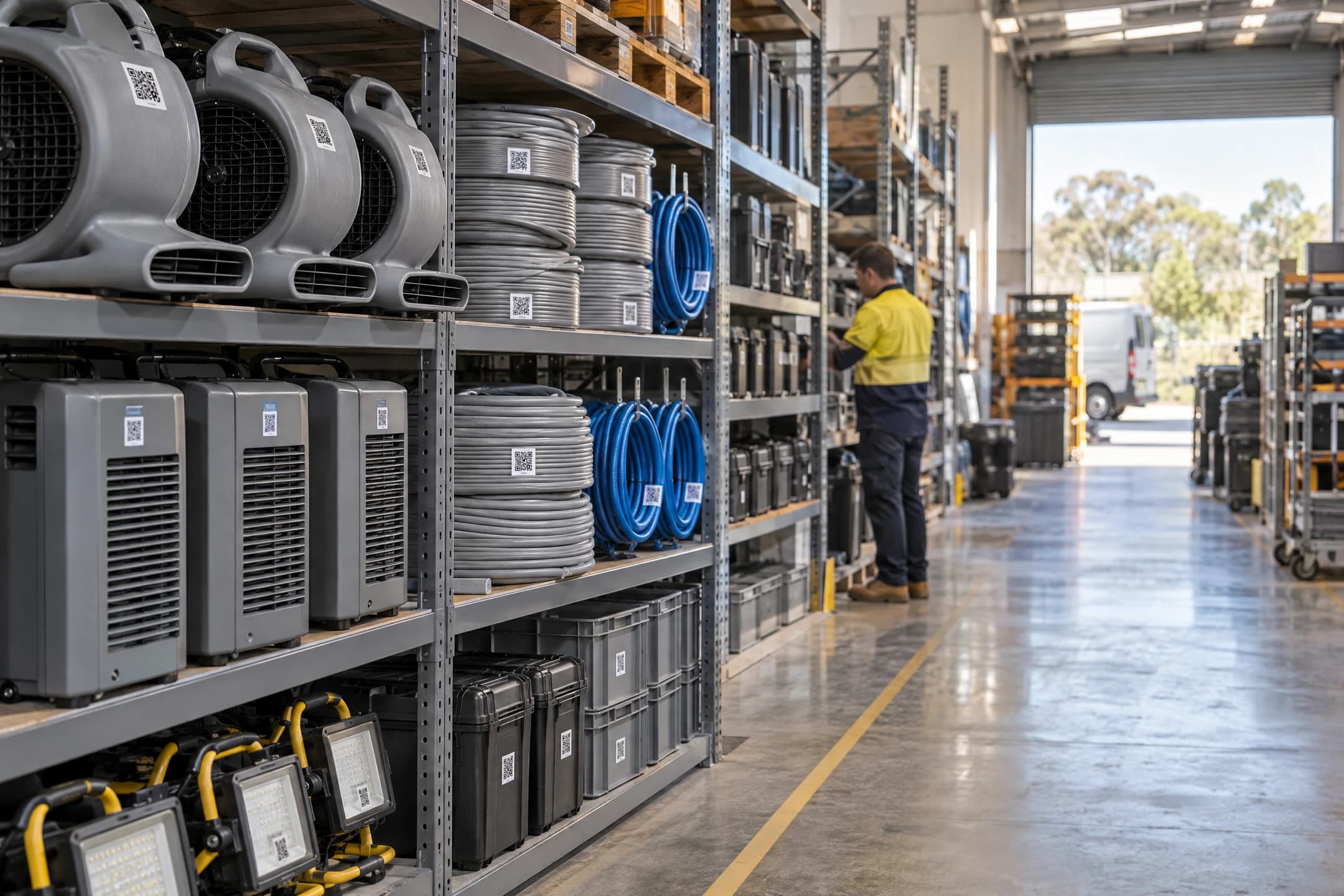
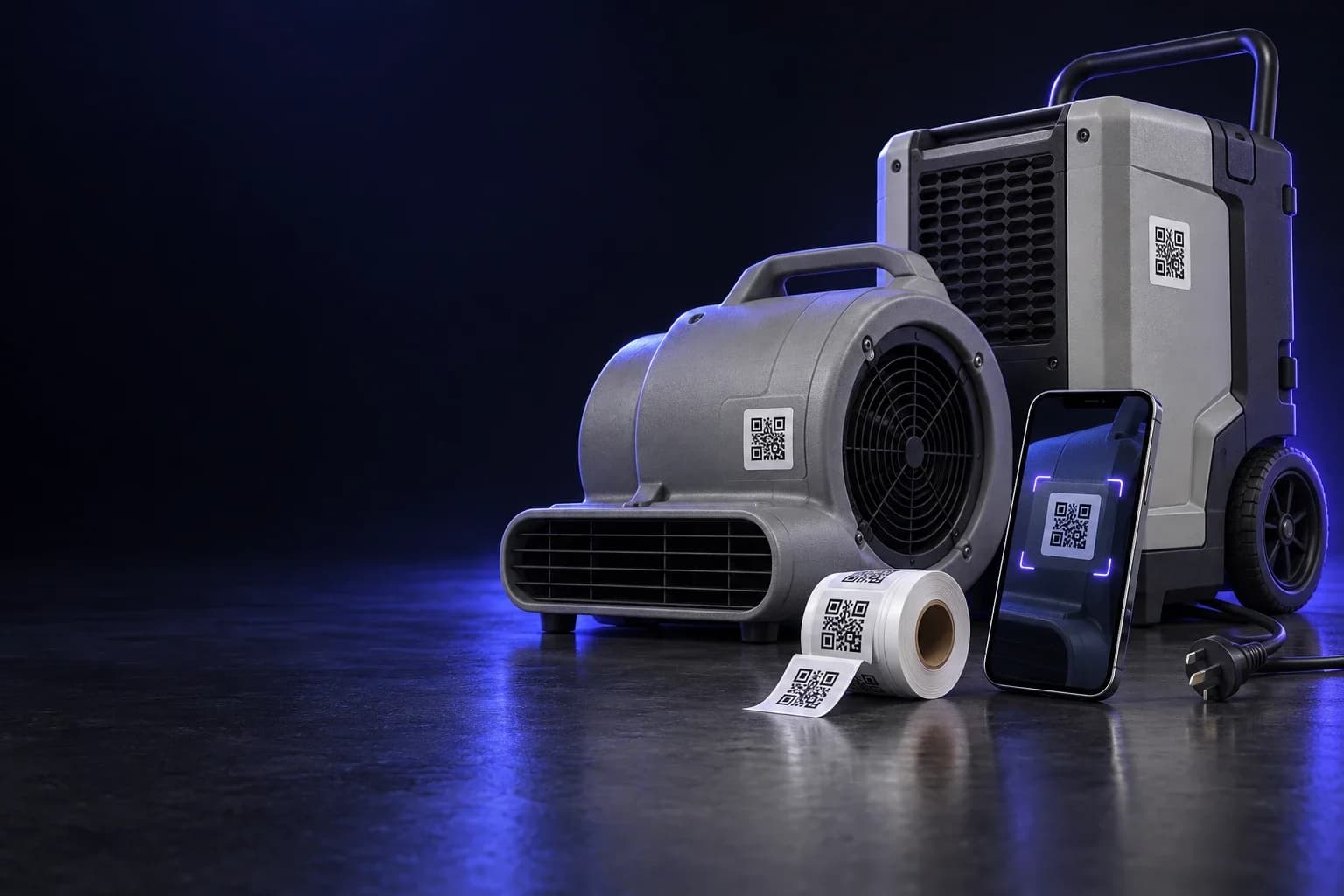
A QR sticker only helps if it can still be scanned after months in vans, wet rooms and dusty sites. The good news: getting it right is mostly about choosing the right material, the right size and the right spot.
Pick the right material
- Use synthetic labels: polyester (PET), polypropylene, or laminated label tape. They shrug off water, oil and sunlight.
- Avoid paper labels for anything that leaves the office. They tear, soak through and peel.
- Avoid direct-thermal paper (the kind used for shipping labels). It fades within weeks in sun or heat, and rubs off.
- With a thermal label printer, use thermal transfer with a resin ribbon on synthetic labels. It's the toughest print you can get.
A4 sheets on an office laser printer
The easiest start is a box of A4 sticker sheets and the laser printer you already have. Weatherproof and heavy-duty sheets need a laser printer, not an inkjet.
| Avery sheet | Label size | Per sheet | Good for |
|---|---|---|---|
| L4773 heavy-duty polyester | 63.5 × 33.9 mm | 24 | Most gear. Our default |
| L4776 heavy-duty polyester | 99.1 × 42.3 mm | 12 | Bigger machines, a larger code |
| L7073 weatherproof | 99.1 × 38.1 mm | 14 | Outdoor gear |
| L7070 weatherproof | 99.1 × 67.7 mm | 8 | Large, easy-to-spot labels |
| L7159, L7160, L7163, L7165 paper | Various | 8 to 24 | Indoor use, or trying it out |
Label printers
- Brother P-touch with laminated TZe tape is water, chemical and scratch resistant. 36 mm tape (on printers such as the PT-P900W and P950NW) fits a code of about 28 mm. 24 mm tape works, but the code is small. The “S” extra-strength tapes grip rough surfaces better.
- Brother QL with 62 mm film (DK-22212) is fine for gear that stays indoors. Skip the paper DK labels.
- Dymo LabelWriter 550 printers only print genuine Dymo rolls. Use the Durable polypropylene labels, such as 57 × 32 mm.
- Zebra thermal transfer printers (such as the ZD421t and ZD621t) with polyester labels and a resin ribbon make the most durable labels of all. 50 × 25, 57 × 32 and 76 × 51 mm are common sizes.
How big the code should be
For scanning at arm's length on dirty gear, aim for a QR code of at least 25 mm across, and 30 to 35 mm if you have the room. About 20 mm is the usual minimum. A short web address helps too: fewer characters means a simpler code with bigger squares, which scans more easily.
Two more things make a code tougher:
- Error correction. A QR code can carry spare information so it still scans when part of it is scratched or dirty. Level Q survives about a quarter of the code being damaged.
- A clear margin. Leave a blank border around the code, four squares wide, so a phone can find its edges.
Print a short code in plain text under the QR as well, so someone can type it in if the sticker is ever too damaged to scan.
Where to stick it
- Choose a flat spot that's easy to reach with a phone and protected from knocks.
- Keep it away from exhaust outlets and heater vents.
- Avoid curved handles and anywhere the gear gets dragged or stacked.
- Clean the surface with isopropyl alcohol first, and press the label down firmly.
- Put it in the same place on every machine of the same kind, so people know where to look.
Printing it straight
Label sheets and label printers are fussy about size. The most reliable way to print from a computer is:
- a PDF made at exactly the label's size,
- printed with margins set to None and scale at 100%,
- with the printer's paper size matching the label exactly. A page even slightly too wide can print as two labels.
Chrome handles these print settings well. If the first sheet comes out a little off, print a test page and adjust.
Labels first, details later
You don't need every item typed in before you start. Print a stack of blank stickers, put one on each machine as it comes back to the warehouse, and scan it to add the machine there and then: what it is, its number and the due date on its existing test tag.
See how labels work in Stoqro, or read how to stop losing gear.