Stop losing gear: tracking equipment across vans, jobs and the warehouse
A simple routine that keeps track of every item without slowing anyone down, and how to start without a big clean-up first.
A lot of “lost” gear isn't really lost. It's in the back of a van, still at a finished job, or on a shelf in the wrong warehouse, and nobody wrote down that it went there. The fix isn't more paperwork. It's a routine so quick that everyone actually does it.
1. Give every item its own label
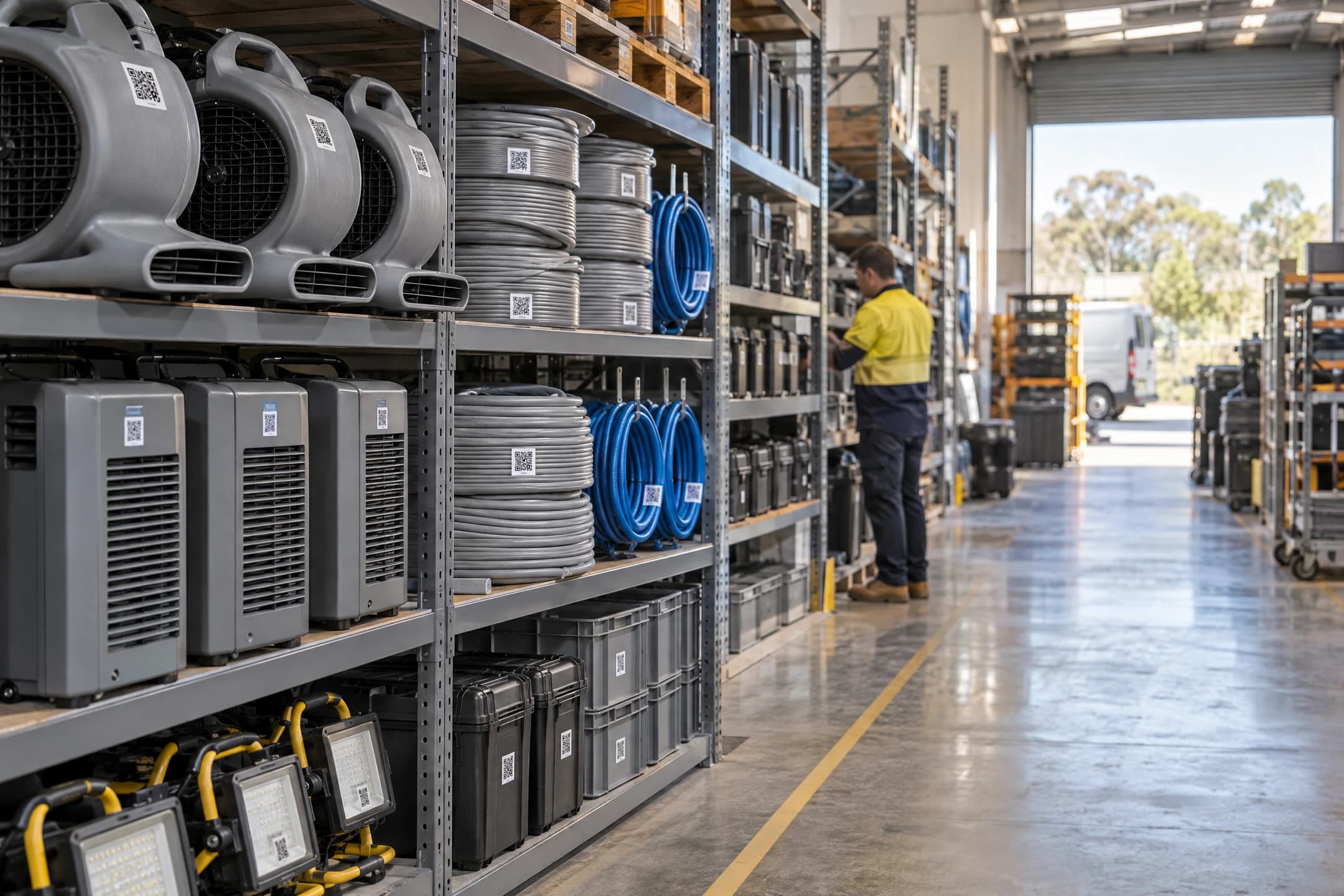
Every item that matters gets a number (like AM-0115) and a QR sticker with its own code. That includes the small things: leads, power boards and safety switches go missing more easily than a dehumidifier, and they need test & tag too.
Keep the code separate from the number. If you ever renumber your gear, the stickers keep working.
2. Decide on your places
Every item is always somewhere. Keep the list of “somewheres” short and obvious:
- your warehouse or warehouses,
- each van, by its number plate,
- each job, by its job number,
- a few others: Repairs, Quarantine for failed gear, and Lent out (with a note saying who has it).
3. Make recording a move take seconds
If recording a move takes a minute, it won't happen at 6 pm on a wet job. It has to be: scan the sticker with the phone's camera, tap where it's going, done. No app to open, no password to type each time, and the most likely choices (my van, my last job, back to the warehouse) right at the top.
Mistakes happen, so an Undo button matters more than an “Are you sure?”.
4. Scan at the moments that matter
You don't need to scan everything all the time. Four moments cover it:
- Loading the van in the morning. Scan everything going on, then move it all to the van in one go.
- Dropping gear at a job. Scan each item to the job number.
- Picking gear up from a job, into the van.
- Unloading at the warehouse. Unload the whole van back to the warehouse at once.
5. Close jobs properly
When a job finishes, look at what's still recorded there before you close it. Anything that should have come back either comes back now, or gets marked missing while people still remember where they saw it.
6. A five-minute weekly check
Once a week, look at two lists:
- Gear not seen lately: anything nobody has scanned in a while. It's often sitting somewhere obvious.
- Gear on a job for a long time: worth a phone call to check it's still needed.
7. Use the numbers
Once moves are recorded, the counts look after themselves: how many air movers are in the warehouse, on jobs and in vans, right now. Check them before you promise gear for a big job, and use the days each item spent on a job when you invoice.
Keep test & tag in the same place. Then a scan can also warn you when an item's tag has run out, before it goes to a job.
8. Starting without a big clean-up
You don't have to count everything before you begin.
- If you have a spreadsheet of your gear, import it.
- Print labels for one type of item at a time, starting with whatever goes missing most.
- Or print blank labels, and stick them on as gear comes back to the warehouse. Scanning a blank label adds the item there and then.
- Put the phone setup poster on the warehouse wall, so the crew can set up their phones themselves.