Every test & tag date, in one list.
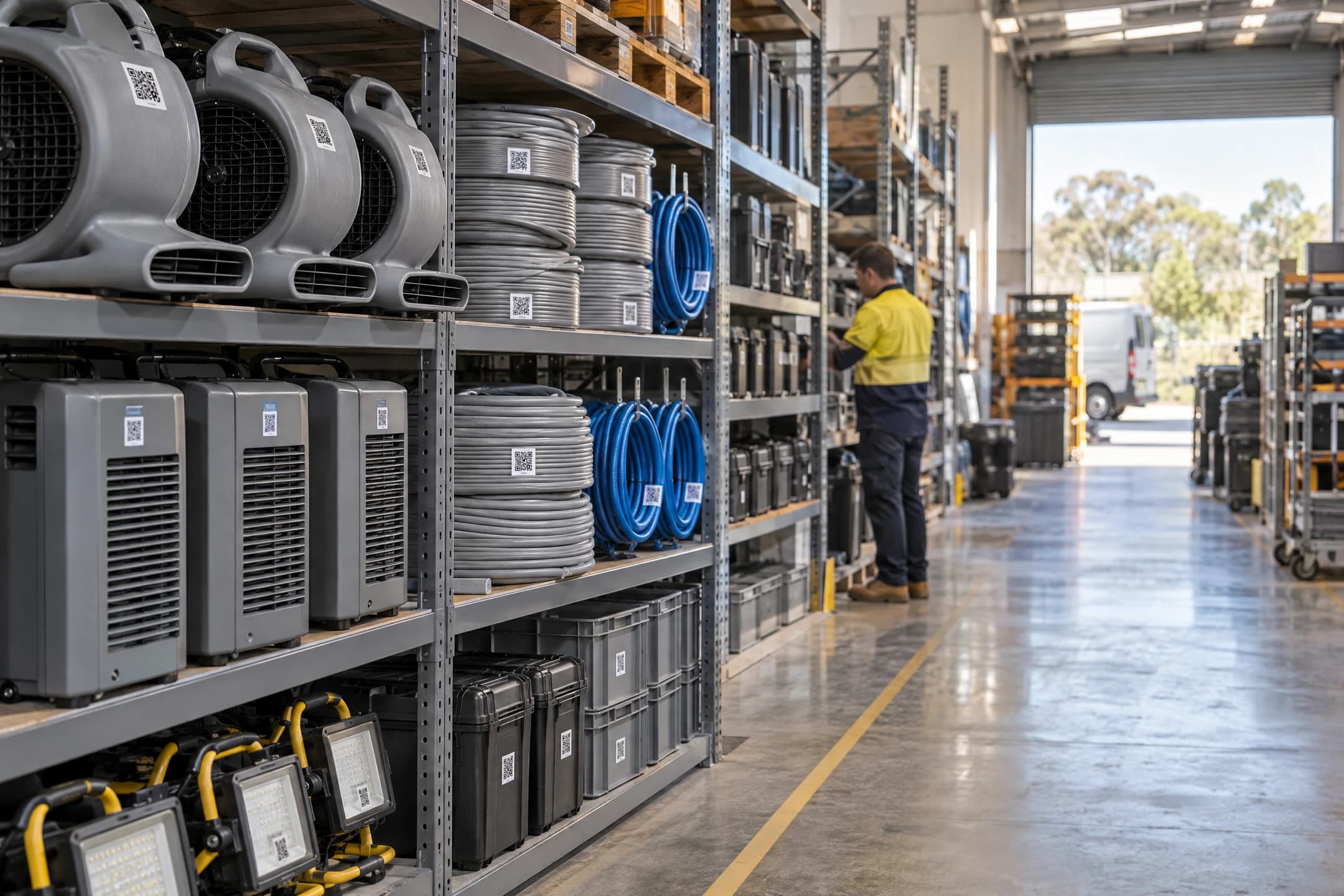
Stoqro records your test & tag to AS/NZS 3760 and helps you stay on top of it: every due date in one list, an email before tags run out, and a test day recorded for just the items that were tagged.
What test & tag is
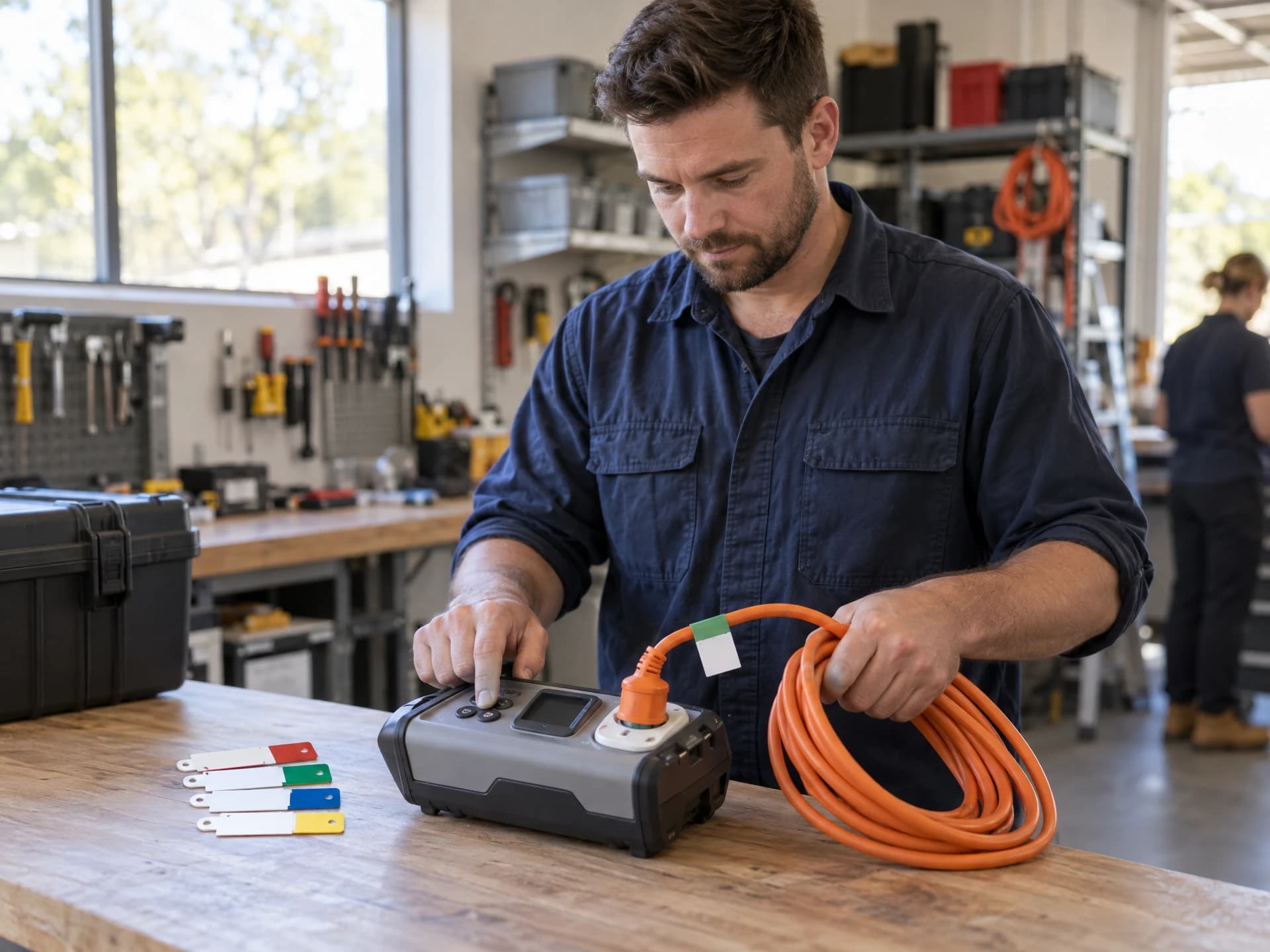
Test and tag is how Australian workplaces check that plug-in electrical equipment is still safe to use.

What it is

Who does it
What gets written down
General information, not legal advice. Rules differ between states and kinds of work, so check with your tester or your state's safety regulator. Read the full guide.
Every item type gets its own interval.
Gear on building sites and hire gear is tested more often than a kettle in the office. Pick the interval that suits each kind of item, change one item on its own if you need to, and Stoqro works out every due date.
Confirm with your tester and your state's rules.
| Where the gear is used | Where it comes from |
|---|---|
| Construction sites / hire: every 3 monthsStarting interval for restoration drying gear | AS/NZS 3012; AS/NZS 3760:2022 Table 4 hire row |
| Factory, workshop, cleaning gear: 6 months | AS/NZS 3760:2022 Table 4 (factories and workshops; commercial cleaning equipment) |
| Hostile, low use: 12 months | AS/NZS 3760:2022 Table 4 (flexing, abuse or hostile environment) |
| Low-risk office: 5 years | AS/NZS 3760:2022 Table 4 (no flexing, no abuse, not hostile) |
A colour for each quarter, so old tags stand out.
Many Australian testers use a different tag colour each quarter. Stoqro suggests this quarter's colour when you record a test, shows it on every staff phone, and lets you change the colours to match your tester's.
- RedDec – Feb
- GreenMar – May
- BlueJun – Aug
- YellowSep – NovNow
Colour coding is optional. The widely used scheme is shown; turn it off or change it in your settings.
Record a test for just the items you tagged.
Ten items due in November were tested today; twenty due in December weren't. Tick the ten, record the test, and only those ten change.
On the dashboard
Filter the due list by month or place, tick what was tested (or paste the tester's list of asset numbers), and record the test.
On a phone
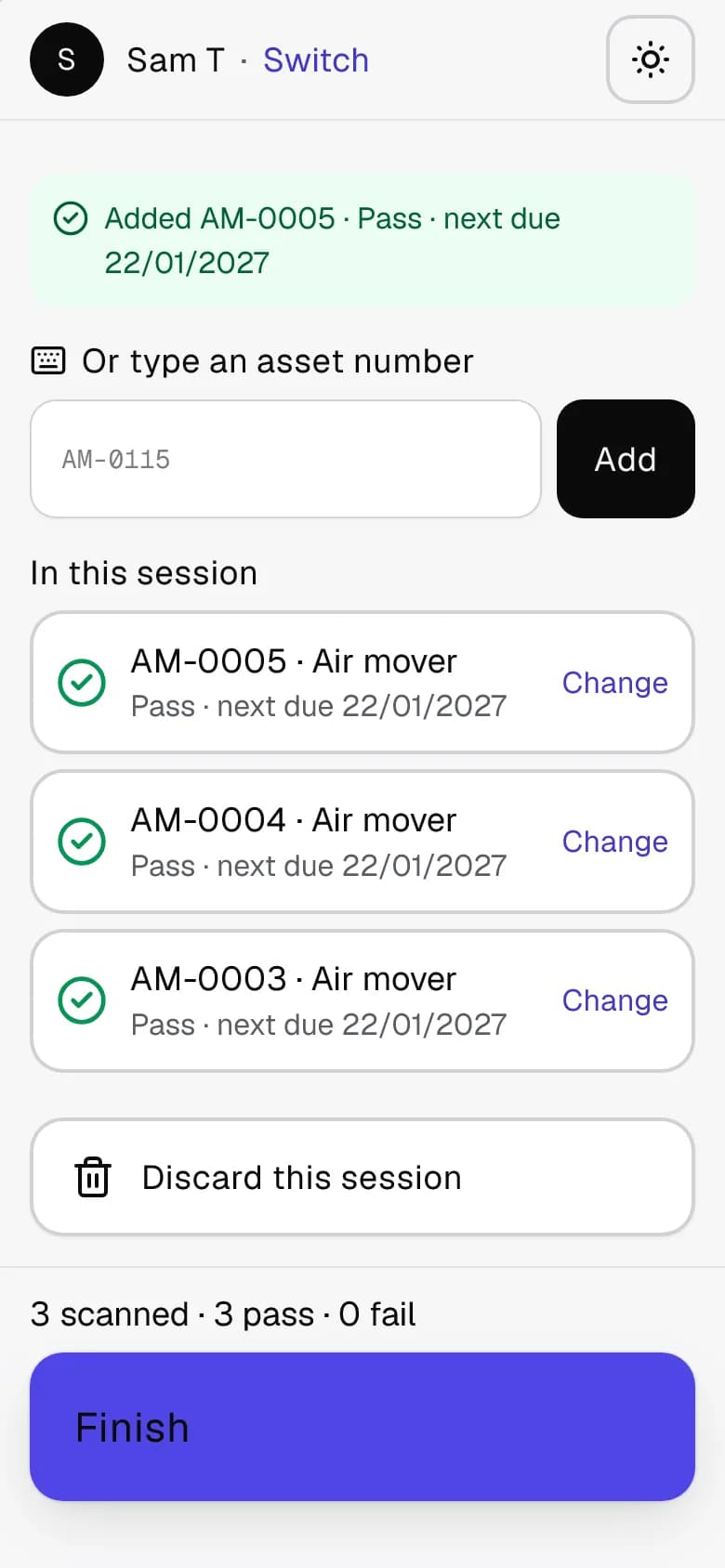
Start a session, scan each item as it's tagged and tap any that failed. Apply it when you're done: all of it, or none of it.
Before anything changes
The confirmation says exactly what will happen: how many items, their new due date, and that nothing else is touched.
Due in November · 10 items
- AM-0115Air mover
- DH-0042DehumidifierJob J-24302
- EL-0007Extension leadMain warehouse
- …and 7 more ticked
Due in December · 20 items
- AM-0201Air moverMain warehouse
- AS-0011Air scrubberJob J-24305
Only these 10 change. The 20 due in December are not affected.
Record test for 10 selected
Failed gear can't sneak back out.
Marked straight away

Kept off jobs

Never forgotten

Proof, whenever someone asks.
Auditors, insurers and site managers want to see your records. Have them ready in a minute.
- Export the test & tag register as a spreadsheet or PDF, for any dates, item type or place.
- An overdue-only report for a quick check.
- Attach the tester's own certificate (a PDF) to each test session.
- Every record keeps who tested it, when, the result and the next due date. Test records are never deleted: only an item added by mistake can be removed, in its first 24 hours and before it's been moved or tested.
- A mistake in a session? An admin can void it with a reason, and every item goes back to its previous due date.
Questions about test & tag
Can't see yours? Browse the help page or ask us.
What does Stoqro do for AS/NZS 3760?
Stoqro records your test & tag to AS/NZS 3760 and helps you stay on top of it: due dates, reminders, warnings before overdue gear goes out, and a register you can export. The testing itself is still done by a competent person, and keeping your workplace safe stays your responsibility.
How test & tag works in StoqroCan I record a whole test day at once?
Yes. Tick the items that were tested (or scan each one on a phone as it's tagged) and record the test for just those. The confirmation tells you how many items change, and everything else stays exactly as it was.
What happens when there's no phone signal?
Moves are saved on the phone straight away and sent when signal comes back. The phone shows what's still waiting to send, so nothing gets lost in a basement or out bush.
Try it on your next tagging day.
Sign up, print a sheet of stickers and scan your first machine. It's free for 30 days with up to 200 items, and there's no card to enter.
Rather have us show you around? Book a walk-through